

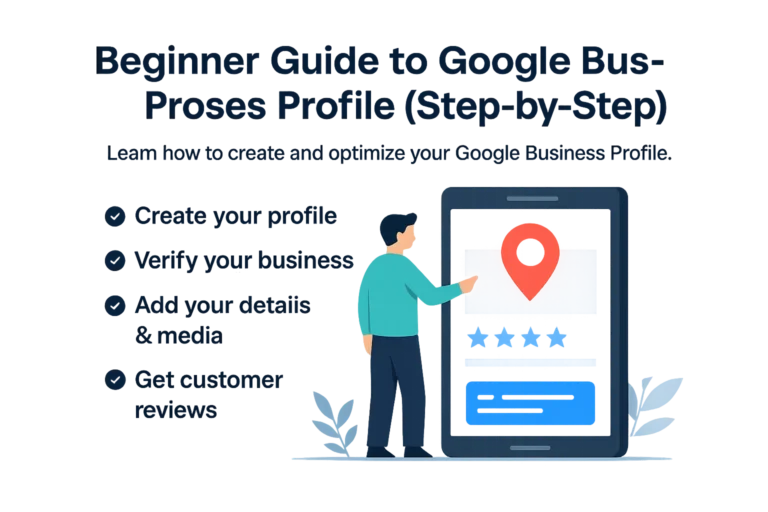
Google Business Profile Guide: Setup & Optimize in 2026
If you’re a local business owner and you aren't following a Google Business Profile guide, you are missing a huge opportunity to get free local traffic. In 2026, local search intent is stronger than ever.
What is a Google Business Profile?
A Google Business Profile is a free listing that helps your business appear on Google Search and Maps. Learn more from the official Google Business page.
Why Every Local Business Needs This Guide
Without a verified and optimized profile, your business becomes invisible to many potential customers searching locally.
The Ultimate Google Business Profile Guide: 5 Setup Steps
Step 1: Claim or Create Your Listing
Visit the official Google Business portal and create your listing using accurate business details.
Step 2: Verification
Verification is required before your business becomes visible on Google Maps and Search.
Step 3: Category Selection
Choose a relevant primary category that matches your service and add secondary categories carefully.
Step 4: Add Photos
High-quality images increase trust and improve engagement with your listing.
Step 5: Manage Reviews
Reviews help build trust and improve your position in local search results.
Common Mistakes to Avoid
- Inconsistent NAP: Keep your business name, address, and phone the same everywhere.
- Ignoring Q&A: Answer questions on your profile.
- Keyword stuffing: Avoid adding extra keywords to your business name.
Final Thoughts
Optimizing your Google Business Profile helps you attract more local customers and grow your business consistently.
Ready to Dominate Local Search?
Your Google Business Profile is just the beginning. Let us help you grow faster.
Get Your Free Local SEO Audit